
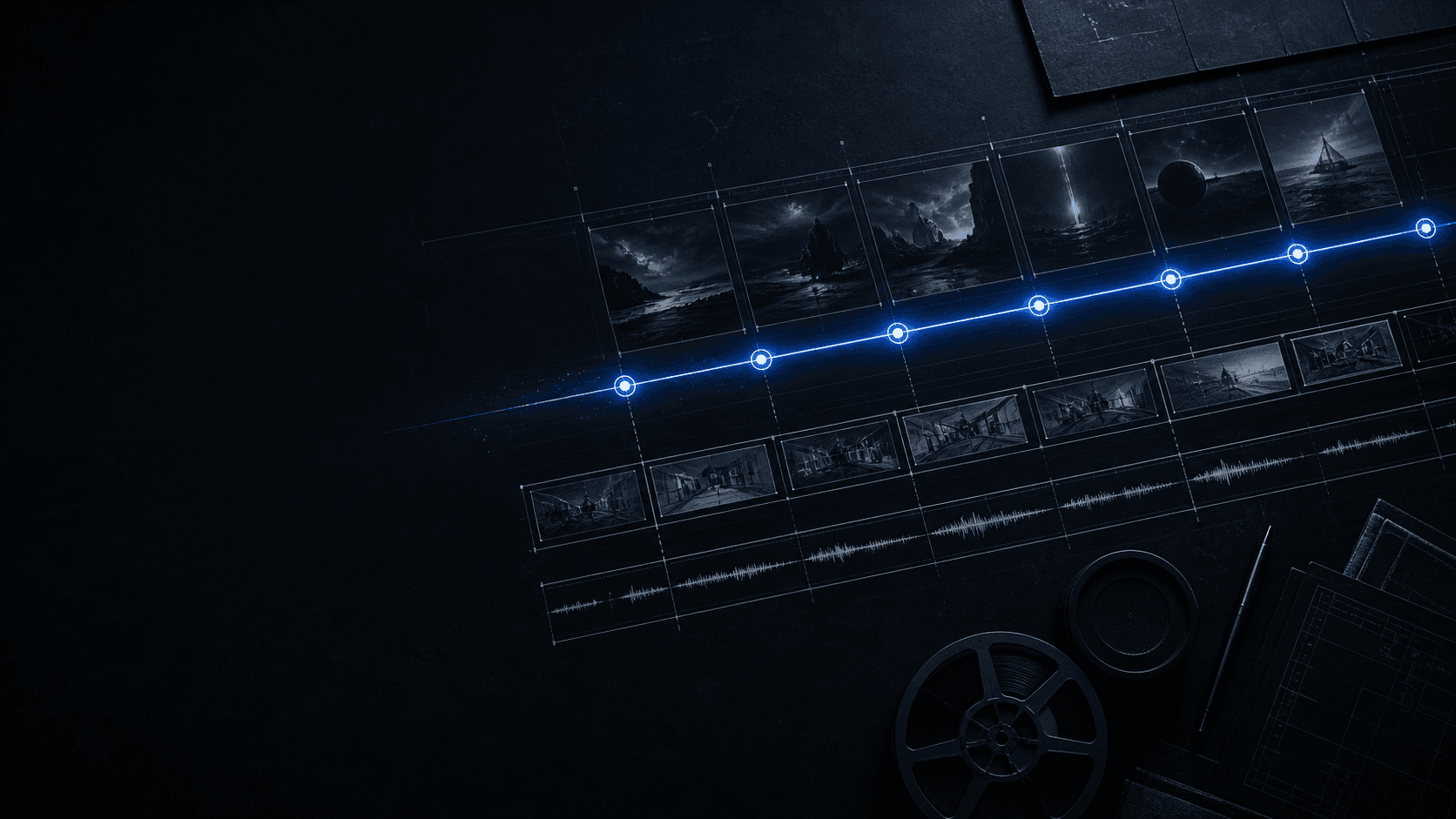
Plan a 30-second arc
Divide the duration into an opening state, development, turn, and ending so every camera and sound decision has a position.
PRODUCTION MAP / 30 SECONDS
Seedance 2.5 turns a story plan, references, timed events, camera direction, and sound into one reviewable audiovisual production brief.
Generate from text, first and last frames, reference images, or one reference video. Choose the resolution and duration, then review the verified credit estimate before submission.
Choose a generation type, add your prompt and source files, then generate to preview the result.
OVERVIEW
Understand a directed production system connecting story beats, visual references, movement, camera choices, and sound decisions.
A model for foundational creation, reference-based generation, longer storytelling, and editing.
A single generation can produce up to 30 seconds of connected audio and video, giving a brief room for a setup, visible change, and resolved ending.
Images, video clips, and audio clips become useful when each source has a declared purpose. This independent site turns those materials into a readable production map.
This is not an official ByteDance property. Published model capabilities define the workflow; the product surface you use defines access and commercial terms.
CONTROL
Connect every published capability to a planning decision that can be checked against the finished audiovisual sequence after generation.
Divide the duration into an opening state, development, turn, and ending so every camera and sound decision has a position.
Use only sources that solve a defined identity, environment, motion, camera, or sound problem.
Identify when an action begins, a viewpoint changes, dialogue lands, or the final composition settles.
Target one character, action, plot, background, or camera issue while restating what must remain continuous.
Verify identity, environment, pace, style, and sound before the current ending becomes the next opening.
BLUEPRINT
Read a fictional product reveal as timed decisions without presenting the planning scenario as a verified model output.
METHOD
Preserve sound decisions, isolate the failed beat, and give the next revision one clear change boundary that can be reviewed.
Define the final readable state so every beat works toward a known outcome.
Assign references by job instead of expecting the model to infer priorities.
Pair every important instruction with a visible or audible review condition.
Simplify movement, improve a reference, or narrow the edit when evidence calls for it.
SEQUENCE
Follow a compact five-stage path here, then use the Guide for complete prompt architecture, reference roles, and revision rules.
Describe the final image, action, or understanding the viewer must reach.
Give the opening, development, turn, and ending a readable time range.
Label every selected source by the one decision it should influence.
Name identities, space, lighting, camera logic, and sound that should persist.
Compare the result with the beat sheet and revise the smallest failed interval.
SCENARIOS
Adapt the same beat, reference, constraint, and review structure to a production question without promising a specific result.
Map a reveal from context to final hold, then inspect geometry, reflections, contact, trajectory, and reading time.
Assign appearance and voice separately from motion, then review identity, interaction, gaze, space, and dialogue timing.
Translate frames into audiovisual beats before a live shoot and check composition, blocking, rhythm, and message.
Give each conceptual step a visual change and enough duration to be understood, then review factual clarity.
Use camera or motion references to describe trajectory and viewpoint while checking spatial coherence.
DECISION
Choose a workflow by comparing control points, continuity checks, editing work, and practical revision boundaries.
Manual assembly gives an editor direct control over each cut. A connected brief reduces handoffs when story, source roles, timing, and review rules are clear.
ANSWERS
Confirm duration, reference limits, editing scope, review needs, and the independent-site boundary before planning your next brief.
Seedance 2.5 is ByteDance Seed’s audiovisual creation model for foundational and reference-based generation, longer storytelling, multimodal control, and editing.
The official announcement states that one generation can produce an audio-video sequence up to 30 seconds long and can support multi-round extension.
One generation can use up to 30 images, 10 video clips, and 10 audio clips as reference material. A practical brief assigns each source a clear job.
Yes. Timestamp instructions can place story events, camera decisions, movement, and rhythm within defined time ranges.
Published capabilities include targeted changes plus green-screen, camera-perspective, motion, clay-render, and reference-based editing.
Review story order, subject identity, interaction, spatial continuity, movement, camera direction, lighting, and audio against the production map.
Complex motion, multi-subject interaction, and some physically complex transformations can remain unstable, so those scenes need deliberate review.
No. This is an independent workflow site. Model facts follow published ByteDance Seed information; access and commercial details are separate.
The Seedance 2.5 Guide expands the production map into seven stages for references, prompts, timing, review, revision, and extension.
Define the ending, map the beats, assign every source, and give the next revision one measurable purpose.